
From the Blog
What to look for in a robot demonstration
A good demonstration makes the task, environment, intervention and repeated results visible enough to ask better questions.
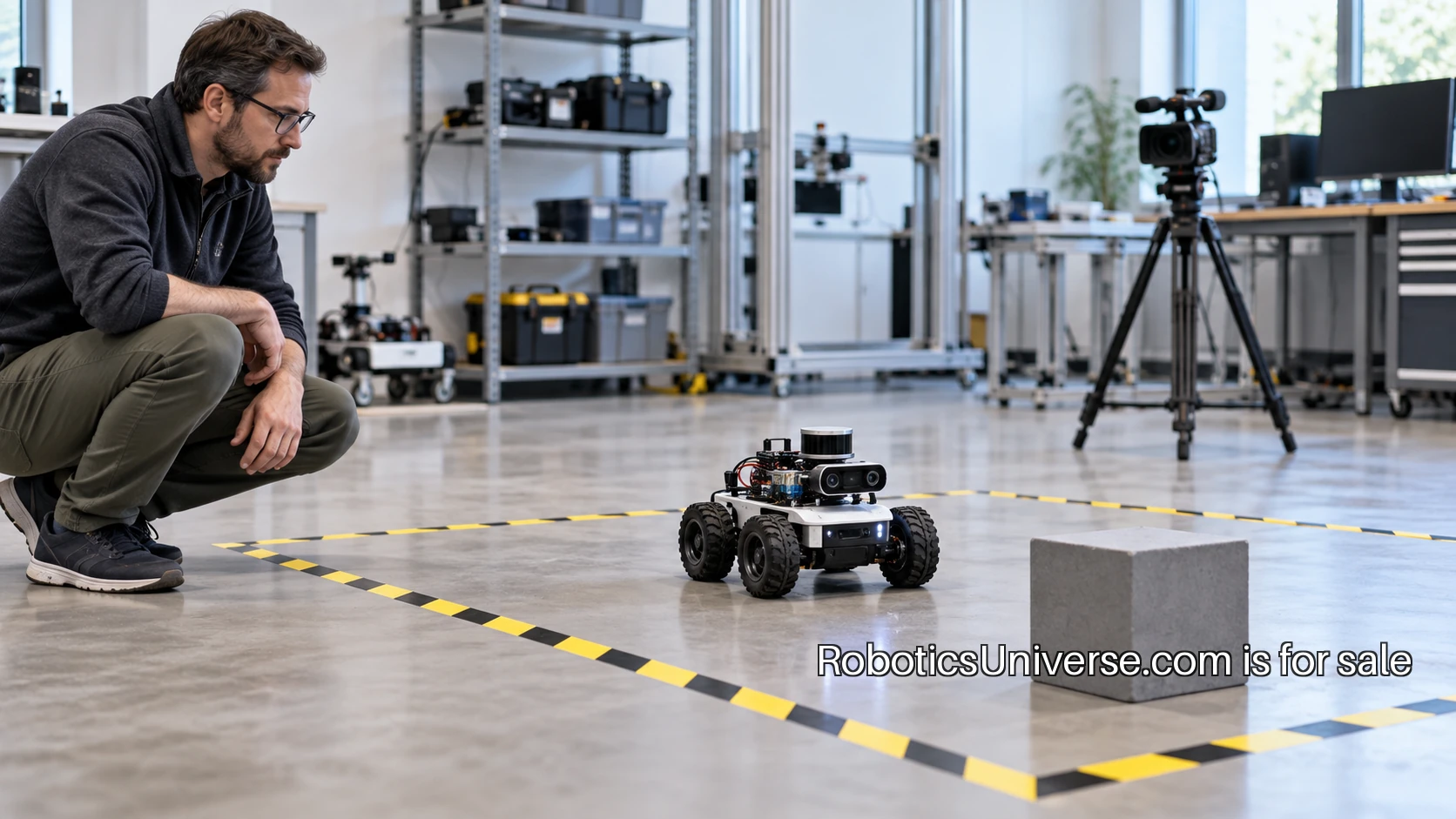
A robot demonstration is most useful when you know the question it is answering. A machine moving smoothly through a room may show an interesting capability, but the viewer still needs the task, starting conditions and operating boundaries. Those details turn an impressive moment into something a buyer, builder or colleague can evaluate.
Begin by writing one sentence: this demonstration is intended to show that the robot can perform this task under these conditions. The sentence does not have to sound technical. Moving a marked object from one location to another is clear. Helping in a warehouse is a much broader claim. A defined task gives the presenter and the audience a common subject for the discussion.
Separate the goal from the sequence
Ask what counts as completion. Does the robot need to reach a location, place an object within a marked area or finish a sequence without an intervention? A clear completion rule keeps the audience from measuring one thing while the presenter measures another. It also makes partial success easier to describe.
Then ask which parts of the sequence are included. A demonstration might begin with the object already recognized and finish before a reset. Another might include perception, approach, manipulation and return to a starting state. Both can be useful. The viewer needs to know where the demonstration starts and ends so the next question can be specific.
Inspect the environment
Describe the space as carefully as the robot. Note the floor, lighting, available clearance, object placement and anything installed to support the run. Markers, prepared maps, fixed fixtures and controlled backgrounds may be normal parts of a valid setup. Record them so you know what conditions the result belongs to.
Look for the changes that would matter to your intended use. A different surface might affect movement. An object placed at a new angle might change a grasp. A narrow passage might introduce a different navigation question. You do not need to ask for every variation at once. Choose the variation closest to the work you want the robot to perform.
Identify the operator’s role
Ask who is controlling the system and how. The answer could include direct remote operation, a person selecting goals, a prearranged sequence or software choosing actions from sensor input. A useful explanation can show where a person intervenes and what the robot handles between those interventions.
Watch the run with that explanation in mind. A pause may be an intentional decision point or a recovery action. A camera cut may skip an uneventful wait or hide a reset that matters to the task. Ask for the sequence in plain language and record the operator actions alongside the robot’s visible behavior.
Look for feedback during the task
A demonstration becomes easier to understand when it exposes its current state. The audience might see the selected goal, progress information or the reason an action stopped. That gives the presenter a way to explain behavior beyond the exterior motion of the machine.
The ROS 2 actions design is a useful software reference for a task that takes time and exposes feedback. It describes actions as a way to work with a goal, feedback and a result, including cancellation. A presenter using that structure can show what the system reports during a run. The same general question is useful with other software: what can the operator see while the task is in progress?
Ask for repetition with a reason
One successful run answers a smaller question than several runs from recorded starting conditions. Decide in advance what you want to repeat and what will change. You might keep everything fixed for several attempts, then move one object within a defined range. That creates a test whose results can be compared.
Count every attempt in the agreed set, including resets and interrupted runs. Record why a run ended. A failure to begin may have a different cause from a failure during movement. Keeping those outcomes separate gives the team useful work to do after the demonstration rather than a single vague success percentage.
Examine recovery as part of the behavior
A machine’s response to an interruption can be as informative as its normal run. Ask what happens when the task is canceled, a target is moved or a required input becomes unavailable. Use variations agreed with the presenter and appropriate to the equipment and demonstration setting.
Observe how the system communicates the state and what is needed to continue. Can the operator identify the problem? Is there a clear reset? Does the next attempt begin from a known condition? A well-explained recovery makes the operational process visible and gives the audience a better picture of how the machine would be used.
Keep a record beyond the video
A continuous video is useful context, but it may not expose the signal or software state involved in a result. Ask which logs can be recorded and how they connect to the run number and configuration. A short test sheet can link the video, the software version and the relevant observations.
The ROS 2 recording tutorial explains a tool for recording and replaying topic data. Where that tool is relevant, it can support a more detailed investigation of what the software received and published. A recorded dataset still needs its setup notes: the date, configuration, environment and the question being tested give the data a meaning.
Compare demonstrations on common ground
When looking at two systems, prepare the task brief before watching either. Define the required environment, payload or object, completion rule and permitted operator actions. Ask each presenter to identify any difference between that brief and the setup they can show. Those differences belong in the comparison beside the results.
Avoid collapsing the whole assessment into the most visually striking feature. Setup effort, reset time, required training and the available diagnostic information may matter to the intended job. Give each its own field in the notes so a smooth motion does not erase the other questions the team needs to answer.
End with the next test
A good demonstration should leave you able to say what you saw and what remains to be examined. Write the conclusion narrowly: the robot completed this defined task in this recorded setting, with these operator actions, across this set of attempts. Then choose the next variation that would make the result more relevant to your project.
For a builder preparing a demonstration, this method also improves the presentation. A short task brief, visible progress and an honest attempt log give the audience concrete material for a technical conversation. You can spend less time defending a broad claim and more time discussing what the system actually did.
A robotics publication or community can make that clarity part of its identity from its first event. RoboticsUniverse.com gives a founder room to connect demonstrations, project records and practical discussions under one name. The useful habit starts with the next run: define the question, record the conditions and show enough of the sequence for someone else to ask a better question.
A bigger world ahead