
Possible Directions
A learning brand for hands-on robotics
A learning brand that can grow from a first working robot into a full course library.
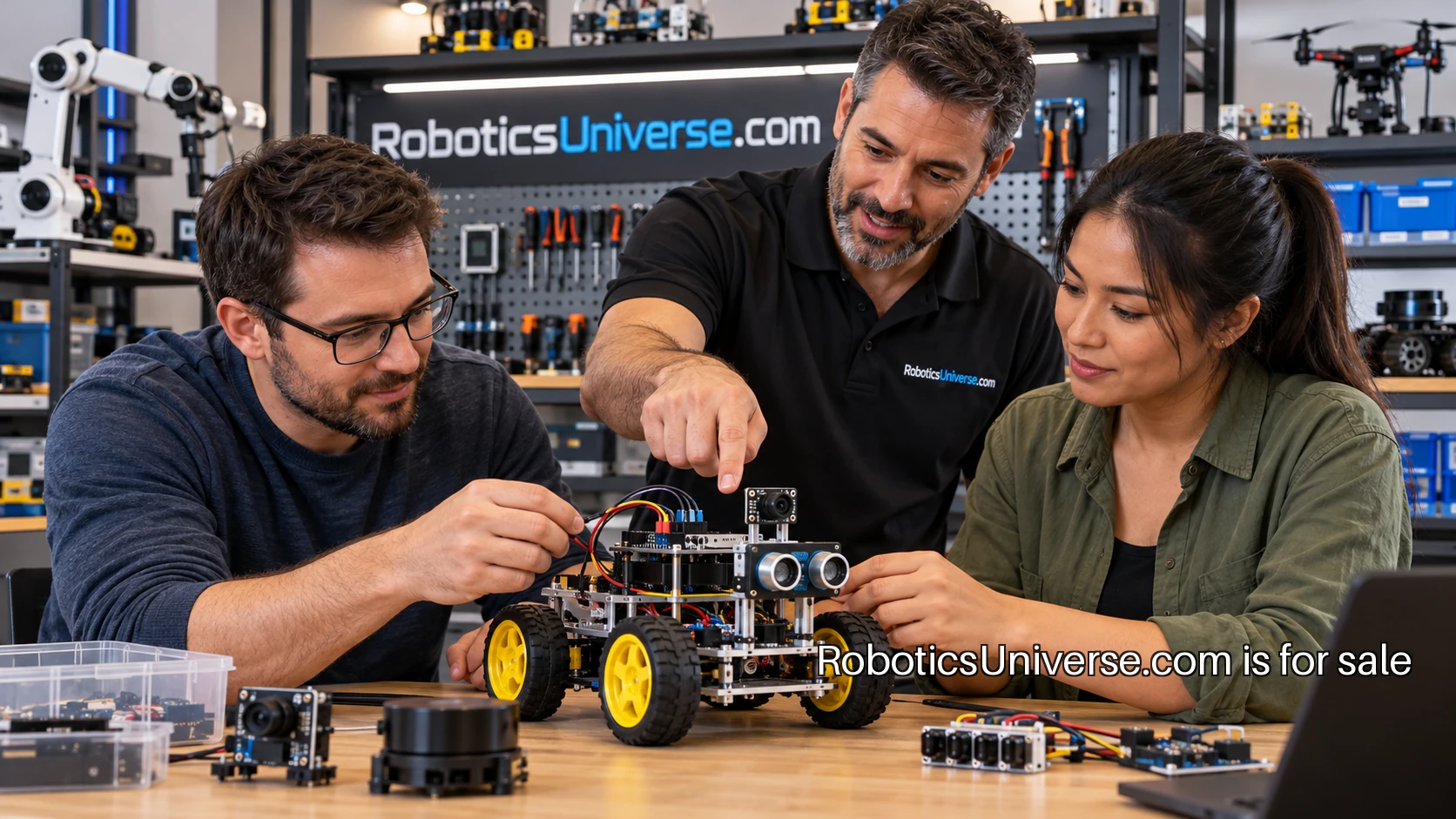
An adult beginner does not need an entire robotics curriculum on the first evening. A satisfying first lesson can be a sensor value changing on a screen, followed by a small machine responding to that value. A learning business under RoboticsUniverse.com could organize its teaching around those visible steps. The opening offer would be one well-supported project, with a path to the next skill already clear.
The founder’s first decision is the learner. A software developer new to electronics starts in a different place from a mechanical hobbyist learning to program. Pick one audience for the first course and write down what it already knows. That decision sets the pace, the equipment list and the language used when something stops working.
Define the result before filming
A practical course needs a finish line that can be observed. For example, a learner could build a small tabletop pointer that responds to an input and returns to a known position. That is enough to introduce reading a signal, choosing a response, controlling movement and testing the result. The course can show the completed behavior before asking the learner to assemble anything.
Write a short acceptance sheet for the lesson. What should move? What input changes the movement? What does a successful test look like? What should the learner see when the input is disconnected or outside the expected range? These questions become the backbone of the lesson and the support material. They also keep the founder from adding a new feature every time a more exciting demonstration appears.
Keep the equipment list teachable
Choose a small, documented set of parts and build the course around a reproducible setup. Include the exact board, compatible components, cables, power arrangements and ordinary tools required. Photograph the kit laid out before assembly. A learner should be able to compare the picture with the desk and see what is missing before starting.
The first course should make the connection between a diagram and the physical parts easy to follow. Close photographs, clear orientation marks and a short check after each assembly step are more useful than a fast overhead video alone. Supply a text version so a learner can find the right step without scrubbing through a recording.
Teach the system one part at a time
Start by making an input visible. Arduino’s built-in examples include small exercises that isolate individual behaviors. That style suits a beginner course: one change, one observation and one explanation. The learner can confirm a reading before it controls anything that moves.
Then introduce the actuator separately. Arduino’s servo guide supplies a documented example of controlled movement and the associated connections. A course author can use official documentation as a reference while creating an original lesson with its own result, troubleshooting sequence and practice questions. The lesson should explain what the learner is checking at each stage rather than asking for a silent copy of a diagram.
Only connect the input to the movement after both pieces have passed their own checks. At that point the learner can see why the program has a measurement, a decision and an output. A single variable can become a meaningful experiment: change the threshold, run the same test, and describe how the behavior differs.
Make getting unstuck part of the product
A useful troubleshooting page begins with symptoms a learner can recognize. Nothing appears on the screen. The reading stays at one value. The movement goes in the wrong direction. The program runs but the expected response never happens. For each symptom, provide a short sequence of observations and a clear point at which to ask for help.
Support requests become easier when the course gives learners a reporting template. Ask for the current lesson step, the expected result, the observed result, a photograph of the connections and the relevant program version. That gives a tutor something specific to respond to. It also teaches a habit the learner can take into the next project.
Assess an explanation as well as a result
A robot that moves is a good moment. The course becomes more valuable when the learner can explain why it moved. Ask for a short demonstration showing the input, the response and one controlled variation. A learner might change a threshold, alter a movement limit or test a different starting condition, then describe the result in ordinary words.
That exercise gives the founder a better measure of the teaching than a completion badge alone. If several learners get the same misunderstanding, revise the explanation where it first appears. Keep a change log so existing learners can find updated wiring photographs or corrected instructions without restarting the course.
Find the first students
The first student channel could begin with a complete free lesson that produces one visible result using the course’s actual equipment list. A founder could ask an adult makerspace organizer or the moderator of a developer learning group for permission to share the lesson and invite an opt-in pilot. The invitation would name the required starting skills, the parts needed and the short session being tested. A signup question could ask where the learner got stuck in the free exercise. That gives the founder a concrete teaching problem to address in the pilot and a useful reason to follow up with people who requested a place.
Grow through the next practical question
A second course could introduce more than one sensor. Another might move from a tabletop mechanism to a small mobile robot. Later material could introduce communication between software components using the official ROS 2 tutorials. Each addition should answer a question that graduates of the earlier project are ready to ask.
The library can have a consistent format: a visible finished behavior, a clear equipment list, staged tests, a troubleshooting path and a final explanation. That consistency lets the founder put the effort into the new subject while learners recognize how to work through the lesson.
RoboticsUniverse.com can stay on the first project sheet and the course library that follows. It gives the founder a robotics identity with space for classes, reference material and learner demonstrations under one address. The first release can be a single course taught carefully. The broader name is ready when the next useful lesson has earned its place.
A bigger world ahead